
Non-Functional Testing - the Dark Horse of Software Quality

While the role of functional testing is to ensure that software works as expected, non-functional testing is the one that guarantees that it should be fast & flawless also. Software that works correctly but takes too long is useless in today's fast-paced world.
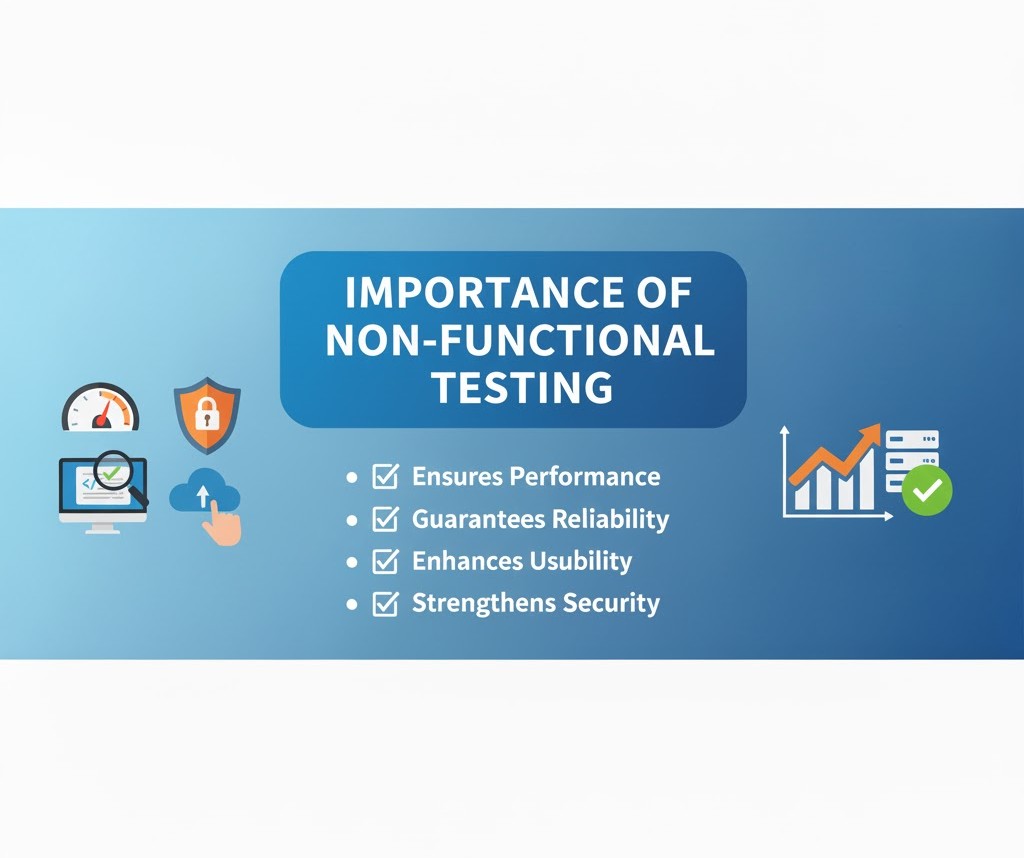
Non-functional testing ensures that software not only works correctly but also performs efficiently, providing a seamless and fast user experience in today’s competitive market.
Non-functional testing evaluates how well your software performs under various conditions, ensuring it meets quality attributes beyond basic functionality. This includes testing performance under load, security vulnerabilities, usability across different devices, and compatibility with various environments. While functional testing answers "Does it work?", non-functional testing answers "Does it work well?" - addressing critical aspects like speed, security, reliability, and user experience that directly impact user satisfaction and business success.
The Importance of Non-Functional Testing for Startups and SMEs
Non-functional testing is often put on a back seat but is crucial for startups and SMEs and requires significant expertise and planning to test. It helps them:
- Improve User Experience: Non-functional testing ensures a delightful user experience, which is key to success.
- Brand Building: Reliable, efficient, and secure software strengthens your brand reputation and customer trust.
- Increases Availability: Addressing bottlenecks and security vulnerabilities proactively reduces downtime.
- Stay Ahead of the Curve: A well-optimized and secure software application gives you a competitive edge.
Why Choose Brainstack for Non-Functional Testing?
At Brainstack, we understand the critical role of non-functional testing in delivering exceptional software. Our experts ensure your application meets the highest performance, security, and usability standards.
Our streamlined approach to non-functional testing involves:
- Requirement Collection: Analyzing software requirements to identify key non-functional attributes and KPIs.
- Test Planning: Creating a detailed plan for tests, tools, and expected outcomes with defined KPIs.
- Test Execution: Running planned tests, including performance, security, and usability.
- Defect Reporting and Tracking: Documenting and tracking defects for timely resolution.
- Test Reporting: Providing reports summarizing test results, critical issues, and improvement areas.
Types of Non-Functional Testing we offer for different Businesses
We offer comprehensive non-functional testing services tailored to different business needs and industry requirements. Our testing approach covers performance, security, usability, compatibility, and reliability testing, ensuring your application excels in all critical quality attributes. Whether you're a startup launching your first product or an enterprise managing complex systems, we provide the expertise and tools needed to validate that your software meets the highest standards of quality and performance.
 Performance Testing
As the name suggests, this is aimed to check how fast, stable, and responsive your software is even under peak loads. It simulates the demands of real-world usage to ensure that the app is market-ready and not crashing. It helps you to optimize speed, responsiveness, and stability.
- Measures response times How long does it take for a page to load, a transaction to complete, or a search query to return results?
- Evaluate load capacity Can your application handle peak traffic or a sudden user surge without performance degradation?
- Assesses scalability Can your system handle increasing data and user traffic as your business grows?
- Identifies bottlenecks Where are the performance bottlenecks in your application, and how can they be addressed?
- Optimizes resource utilization How efficiently is your application using system resources like CPU, memory, and network bandwidth?
E-commerce Website Testing how quickly the website loads during a sale with thousands of concurrent users.
Security Testing
This testing is conducted to protect your application from cyber-attacks. We identify software weaknesses with carefully planned tests. If these issues reach the production version, they are poised to create data privacy, confidentiality, and compliance issues.
- Vulnerability scanning: Finding weak points and vulnerabilities in the application's architecture and infrastructure.
- Penetration testing: Simulating real-world cyber attacks to identify security gaps and check how well implemented security measures are doing.
- Authentication and authorization testing: Only authorized users can access specific features and data.
- Data protection testing: Verify that sensitive data is encrypted and protected from unauthorized access.
- Compliance testing: Ensuring your application meets relevant security standards and regulations (e.g., GDPR, HIPAA, PCI DSS).
Fintech Application: Testing for vulnerabilities like SQL injection to prevent unauthorized access to financial data.
Usability Testing
This revolves around user experience, checking for intuitiveness and ease of use of the app under test. We analyze how users interact with the applications and identify specific areas causing confusion or bottlenecks.
- Navigation tests: Evaluate the ease of navigation through the application menus and workflows.
- UI/UX tests: Assess the app's visual design, layout, and intuitiveness.
- Data Content tests: Checks if the content is concise and easy to understand.
- Accessibility tests: Check if the application is accessible to users with disabilities.
E-comm App: It can include tests to check the ease of searching for products, adding them to your cart, and completing the checkout process with successful payments.
Compatibility Testing
This ensures your application works correctly across browsers, operating systems, devices, and hardware configurations. Compatibility testing helps you reach a wider audience with ease and confidence.
- Cross-browser testing: Verifying that the application runs correctly on different web browsers.
- Cross-platform testing: Ensuring smooth functioning on multiple operating systems like Windows, macOS, and Linux.
- Mobile testing: Testing various mobile devices with different screen sizes and resolutions to evaluate responsiveness.
- Hardware compatibility: Testing compatibility with different hardware configurations, such as graphics card processors.
- Network compatibility: Ensuring the application works well irrespective of network types and speeds.
Mobile app testing falls under this category, where we test an app's compatibility with various operating system versions (iOS and Android) and screen sizes.
Reliability Testing
This assesses your system's ability to perform consistently and without failure. Reliability testing helps identify potential points of failure, reduce downtime, and build user trust.
- Mean time to failure (MTTF): Measuring average time between failures.
- Mean time to repair (MTTR): Measures the average time the system takes to recover from a failure.
- App Failure rate: Calculates the frequency of failures over a specific period.
- Stress testing: Assesses the system's behavior under heavy loads.
- Regression: To ensure new code changes do not introduce bugs or issues.
Telecom Network: Evaluating the network's ability to maintain service availability during peak usage and under different environments is a good example of this testing type.
Conclusion
Performing non-functional testing is not a waste of time and resources; instead, it's like investing in your online business's long-term success. Partnering with Brainstack ensures your application delivers exceptional performance, security, and a delightful user experience.
Other Testing Services

Ensure Comprehensive Coverage and Stability with Regression Testing

Optimize Speed, Scalability, and Performance with Performance Testing
Enhance User Satisfaction and Experience with Usability Testing

Safeguard Your Software with Robust Security Testing
Ensure Software Meets Requirements with Acceptance Testing
Ensure Seamless System Integration and Data Flow with Integration Testing